
1
Save.
Keep the things you find online with a single click.
cntraveller.com

 Save to Kutu
Your cross-platform bookmark manager for iPhone, web and browser extensions.
 YouTubeyoutube.com
 VIDEO
VIDEO GitHubgithub.com
A flexible icon library for React.
npm i @phosphor-icons/reactOpen source TypeScript Figmafigma.com
 Notionnotion.com
 Mediummedium.com
A little space for a fresh perspective.

 Pinterestpinterest.com
Keep the things you find online with a single click.
Save to KutuGroup your saved links into collections that make sense to you.
Search your library and get back to the good stuff.
Save links in collections, add tags and notes, and find your bookmarks when you need them.
Your collectionsInteractive previewThoughtful spaces. A different way to see the everyday.
Choose a collection to explore a sample bookmark.
Every rule has a trigger, a condition, and an action. Choose when it starts, which bookmarks match, and what Kutu does next.
The event that starts your rule, like saving a bookmark.
A check that selects matching bookmarks, such as a URL or tag.
What Kutu changes: tags, collections, favorites, and more.
A new link starts the rule. Its URL is checked, then the Video tag is added and the bookmark moves to Watch later.
YouTubeyoutube.comyoutube.comSelect Test Rule to follow the example through each step.
Save the current page with the Kutu browser extension, choose a collection and add tags.
Download preview extensionSign in from the Kutu extension to save pages without keeping the website open.
Save to KutuA place worth coming back tocntraveller.comSave a discovery on the go. Make time for your reading list. Keep your collections close.

The Google Play link is being added. Open Kutu on the web
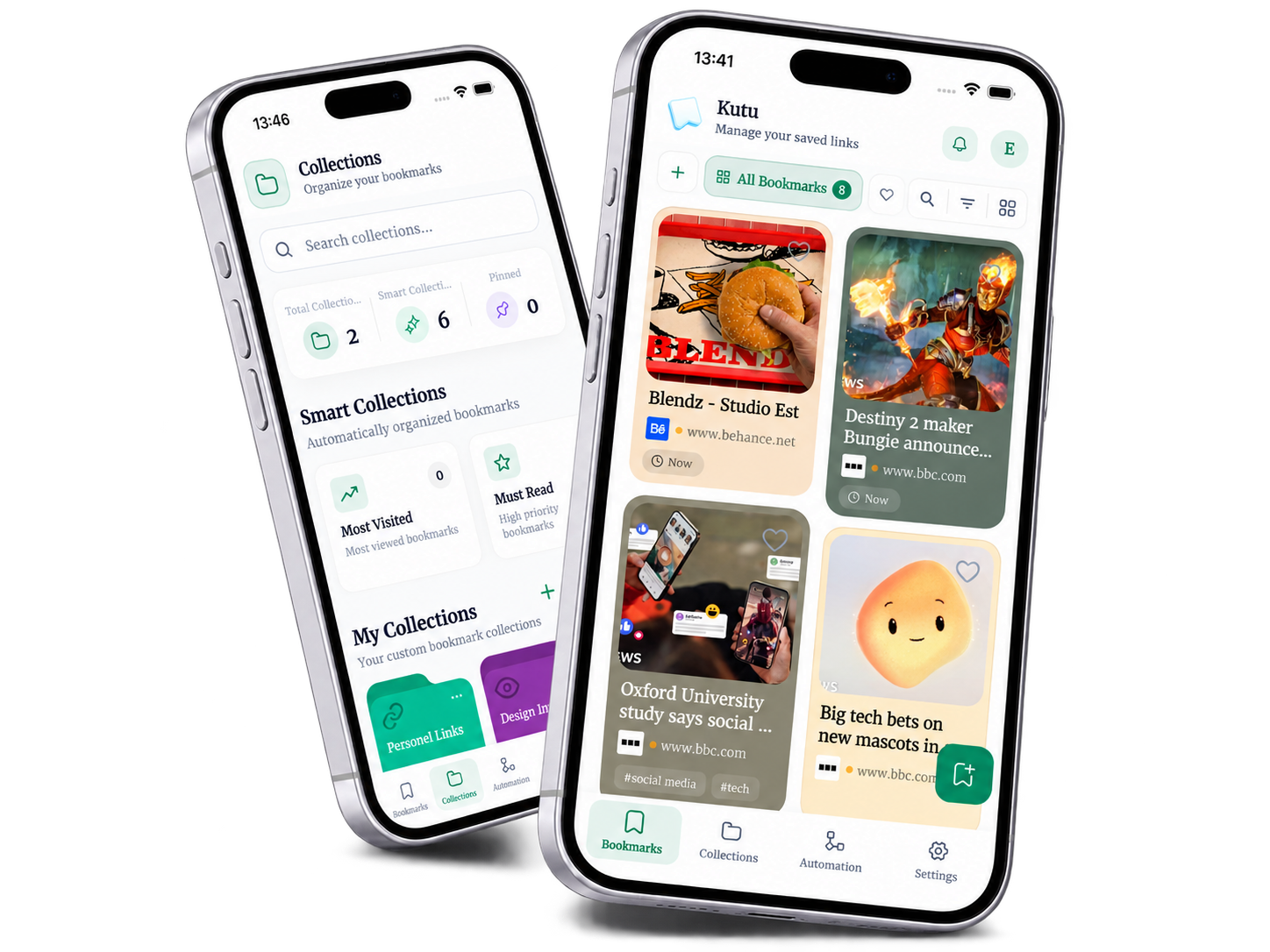 A little library. A world of good finds.
Save what matters. Keep ideas organized. Make your library work for you.
Web checkout is coming soon. No payment is taken here.
Articles, videos, ideas, and the places you find them.
 Chrome
 Safari
 YouTube
 Vimeo
Vimeo Twitch
 TikTok
 Instagram
 Facebook
 X
X Reddit
 Pinterest
 LinkedIn
 Threads
 Discord
 Telegram
 CNN
CNN New York Times
 Google News
 Apple News
 Axios
Axios The Washington Post
 Medium
 Substack
 Spotify
 GitHub
 Notion
 Figma
Figma Behance
 Dribbble
 Wikipedia
A few things to know before you begin.
Save links to articles, videos, tools, products, and anything else you want to return to. Keep a note, add tags, and put each link in a collection.
Yes. Bring a bookmark HTML export from your browser, or import a CSV, JSON, or link list. Preview your links and choose what to keep before importing.
Set up a personal four-digit PIN and mark the bookmarks you want to keep private. Unlock the private view when you need them.
Premium plans are shown ahead of launch. Checkout is not available yet, and choosing a plan will not create a subscription or charge you.